Elevate Your Space with Cannabis-Inspired Design (Without the Smoke)
Transform your living space into a sophisticated cannabis-inspired sanctuary by thoughtfully merging botanical elements with modern design principles. Check budpop for delta 9 gummies while exploring how the cannabis plant’s organic architecture can inspire everything from color palettes to furniture selection. The emerging cannabis-luxury design movement celebrates the plant’s natural elegance through subtle geometric patterns, rich earth tones, and biophilic elements—without resorting to tired stereotypes or obvious imagery.
Today’s cannabis-inspired interiors embrace minimalist sophistication while incorporating elements like hemp textiles, botanical art installations, and organically-shaped furniture that mirrors the plant’s distinctive silhouette. Whether you’re designing a meditation space or reimagining your entire home, this fresh approach to cannabis-influenced décor focuses on creating environments that feel both elevated and welcoming. By emphasizing natural materials, sustainable design practices, and thoughtful functionality, this design philosophy speaks to both cannabis enthusiasts and interior design aficionados seeking spaces that reflect modern sensibilities while honoring the plant’s cultural significance.
Natural Elements Meet Modern Design
Embracing Organic Textures
Natural textures bring an authentic, earthy feel to your cannabis-inspired space, creating a seamless blend of organic elements with contemporary design elements. Hemp textiles, in particular, offer a sustainable and versatile foundation for your interior design journey. These durable fabrics work beautifully in everything from throw pillows and curtains to upholstery, adding rich texture while honoring the plant’s heritage.
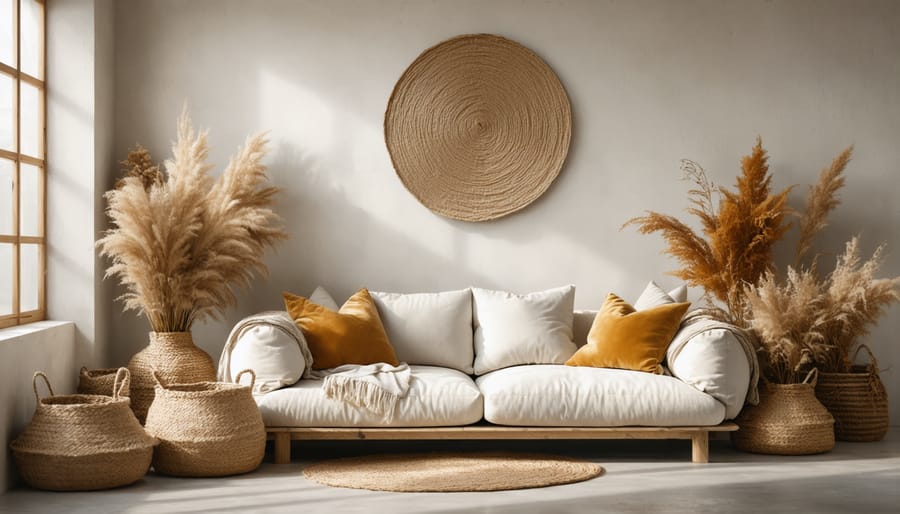
Consider incorporating jute rugs, bamboo blinds, and raw linen throws to create layers of natural depth. These materials not only complement the cannabis theme but also bring warmth and tactile interest to your space. The beauty of hemp fabrics lies in their naturally varied textures and earthy color palette, ranging from soft beiges to deep greens.
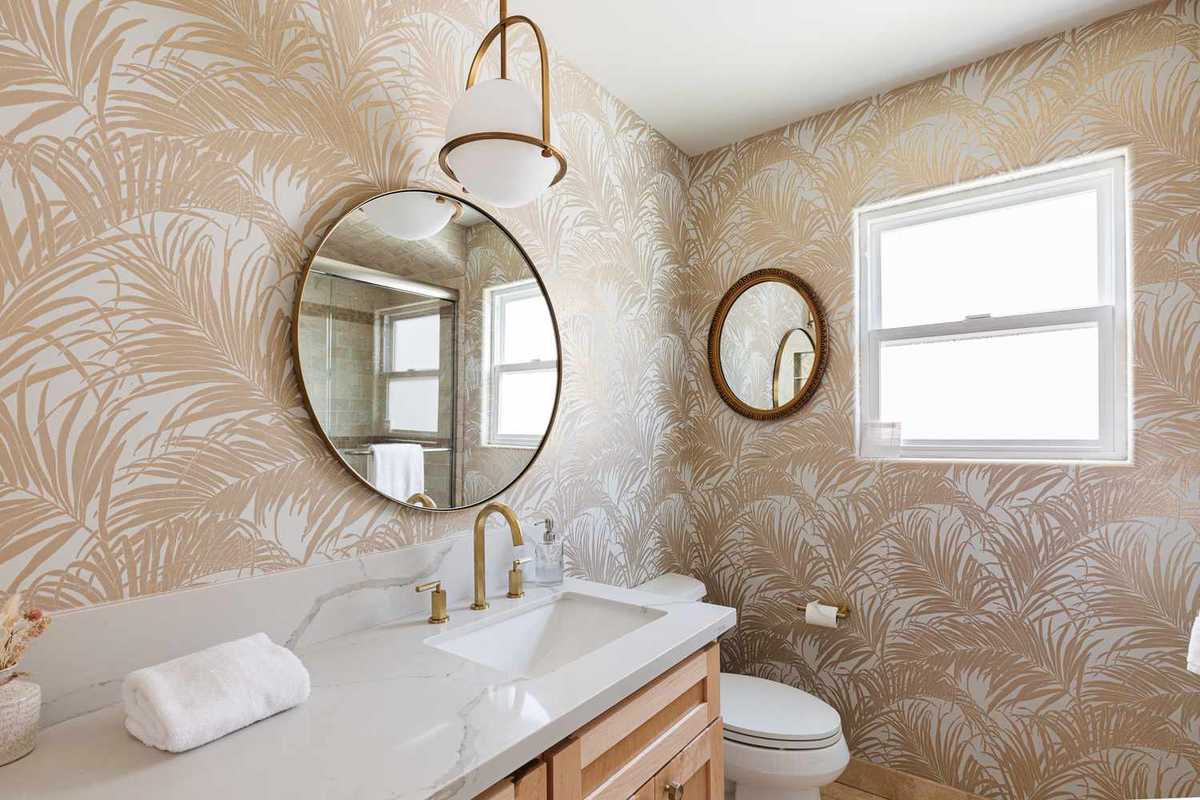
For a subtle nod to the theme, explore botanical patterns that feature cannabis leaves mixed with other foliage. These can be introduced through wallpaper, throw pillows, or artwork, creating an sophisticated botanical narrative throughout your space. The key is to blend these elements naturally, allowing them to contribute to the overall aesthetic without overwhelming it.
Don’t forget to mix textures – pair smooth hemp fabrics with rougher natural fibers, or contrast matte finishes with subtle sheens. This layered approach creates visual and tactile interest while maintaining an organic, cohesive feel throughout your space.
Color Psychology
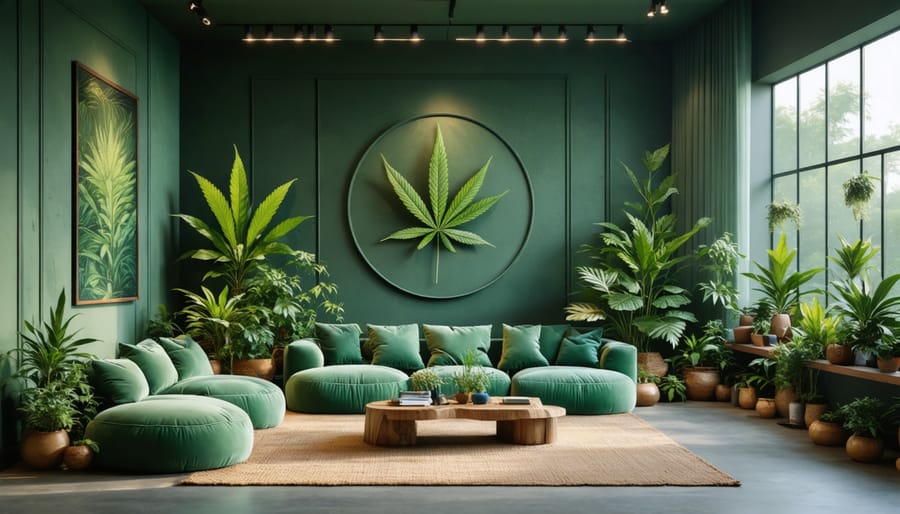
Color plays a vital role in creating the perfect cannabis-inspired space, and it’s all about finding the right balance between natural elements and modern sophistication. Start with a foundation of deep, rich greens that echo the cannabis plant itself – think forest green, sage, and emerald tones. These colors naturally promote feelings of growth, harmony, and connection to nature.
Complement these green hues with earthy tones like warm browns, terracotta, and sandy beiges to ground your space and create a organic, welcoming atmosphere. These colors work particularly well in textiles, wood elements, and accent pieces, helping to prevent the green palette from becoming overwhelming.
To add depth and interest, consider incorporating complementary colors strategically. Purple and gold accents can create luxurious touches that elevate the design beyond typical cannabis aesthetics. Muted oranges and rusty reds can add warmth, while soft creams and whites can brighten spaces and prevent the room from feeling too dark or heavy.
When selecting your color palette, think in layers – use darker tones for larger pieces, medium shades for walls and primary furniture, and lighter accents to create visual interest. This approach helps create a sophisticated space that subtly nods to cannabis culture while maintaining an elegant, livable environment that works for everyday life.
Remember that lighting will affect how these colors appear throughout the day, so test your color choices under different lighting conditions before making final decisions.
Functional Design Elements
Storage Solutions
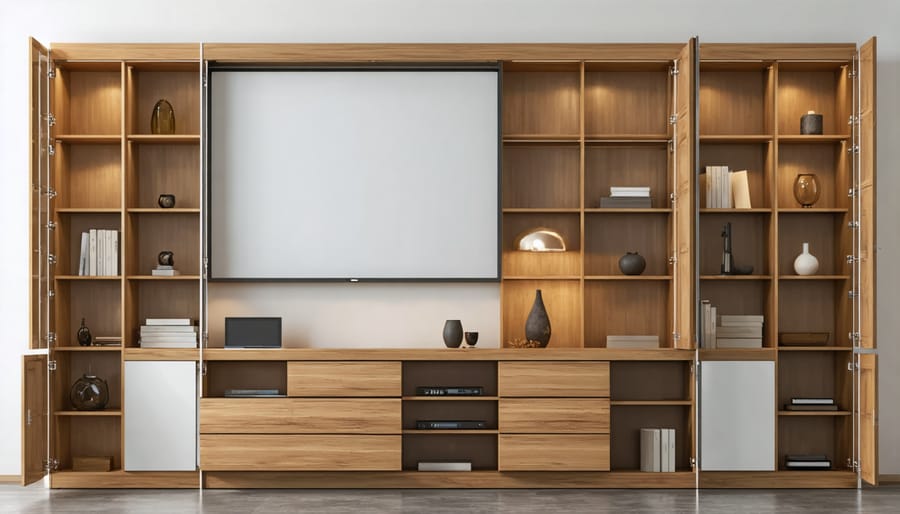
Elevating your cannabis-inspired space goes beyond decorative elements – smart storage is essential for maintaining both style and functionality. Today’s modern storage solutions offer countless ways to keep your accessories organized while complementing your overall design scheme.
Consider incorporating multifunctional furniture pieces like ottoman storage benches upholstered in hemp fabric or side tables with hidden compartments. These pieces serve dual purposes while maintaining a sophisticated aesthetic. Floating shelves with discrete sliding panels offer an elegant way to display art pieces while concealing storage space behind.
For a natural touch, woven baskets made from sustainable materials like bamboo or water hyacinth provide both storage and visual interest. These can be tucked into bookcases or used as decorative elements on their own. Custom-built cabinets with specialized compartments can be designed to look like ordinary furniture while providing perfect storage for various accessories.
Don’t overlook the potential of wall-mounted solutions. Magnetic boards disguised as abstract art pieces can hold metal containers, while vintage apothecary cabinets add a touch of historical charm while offering numerous small drawers for organization. For a contemporary approach, consider sleek, lockable display cases that double as conversation pieces.
Remember to incorporate proper humidity control in your storage solutions to maintain optimal conditions. Small hygrometers can be elegantly integrated into your storage spaces without compromising the overall design aesthetic. The key is selecting pieces that seamlessly blend function with your chosen design theme while maintaining a sophisticated and intentional look.
Ventilation and Air Quality
Good air quality is essential in any living space, and when incorporating cannabis-inspired design elements, it becomes even more crucial. Natural ventilation plays a vital role in creating a fresh and inviting atmosphere while maintaining the subtle botanical theme of your space.
Consider installing large windows that open fully to create cross-ventilation, allowing fresh air to circulate freely. Pair these with lightweight, flowing curtains in natural fabrics like hemp or organic cotton to maintain privacy while encouraging airflow. Strategic placement of windows and doors can create a natural draft that keeps the air moving throughout your space.
Indoor plants are perfect allies in maintaining excellent air quality while complementing your cannabis-inspired aesthetic. Spider plants, peace lilies, and snake plants are particularly effective at purifying the air and add an organic touch to your decor. Place them strategically near windows or in corners where air tends to stagnate.
For a modern touch, consider incorporating smart air purifiers with sleek, minimalist designs that blend seamlessly with your decor. Look for units with activated charcoal filters, which are particularly effective at maintaining fresh air. Hidden ventilation systems, such as discrete ceiling fans with natural wood blades or modern industrial designs, can provide both functionality and style.
Create dedicated ventilation zones by using room dividers made from sustainable materials like bamboo or reclaimed wood. These elements can help direct airflow while adding texture and visual interest to your space. Remember to include small details like essential oil diffusers with natural scents that complement your design theme while contributing to the overall air quality of your space.
Artistic Expression
Wall Art and Accessories
When it comes to styling decorative elements in your cannabis-inspired space, wall art and accessories offer endless possibilities for creative expression. Consider incorporating botanical prints featuring elegant cannabis leaf patterns or abstract interpretations of the plant’s natural form. Modern photography showcasing the beauty of cannabis in an artistic way can serve as sophisticated focal points.
Mix in complementary pieces like macramé wall hangings in natural fibers, geometric metal sculptures, and pressed botanical art to create visual interest without overwhelming the space. Mirrors with metallic or wooden frames can help reflect light while adding depth to your design scheme.
For a subtle nod to cannabis culture, look for art pieces that incorporate sacred geometry patterns or Art Nouveau-inspired designs, which naturally complement the plant’s organic forms. Vintage botanical illustration prints and herbarium-style artwork can add a scientific yet stylish touch to your walls.
Accessories like ceramic vessels, crystal geodes, and handcrafted wooden objects can complement your wall art while maintaining the natural, organic theme. Consider adding LED light fixtures with leaf-inspired patterns or shadow-casting designs to create ambiance and visual intrigue. Remember to balance statement pieces with more understated decorative elements to maintain a sophisticated atmosphere.
Lighting Choices
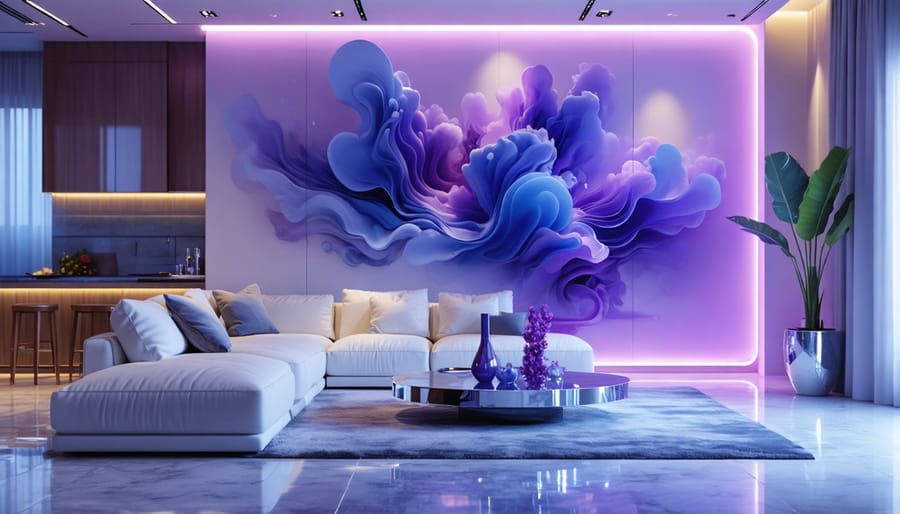
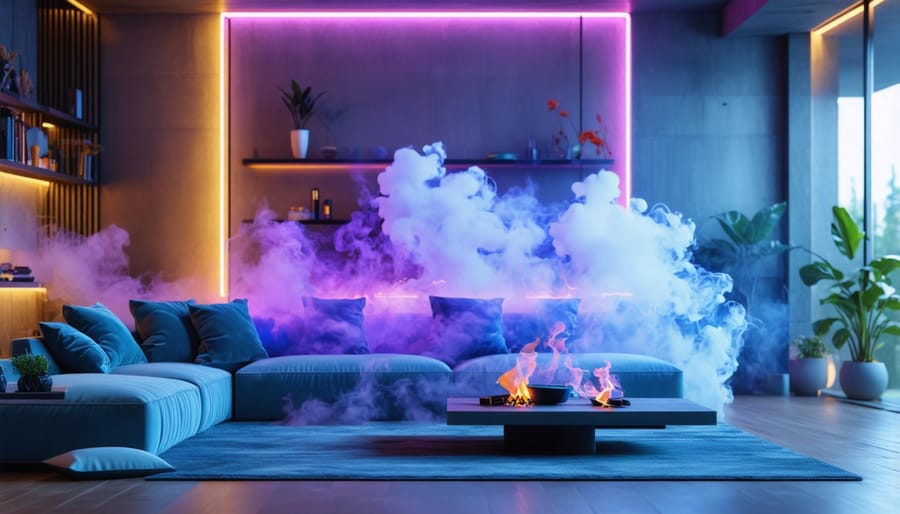
Lighting plays a crucial role in creating the perfect atmosphere for your cannabis-inspired space. Moving beyond the stereotypical black lights and lava lamps, modern lighting choices can elevate your room’s ambiance while maintaining sophistication. Consider incorporating warm, dimmable LED strips behind floating shelves or along crown molding to create a soft, ethereal glow that mimics the peaceful feeling of a sunset.
Layer your lighting with a mix of natural and artificial sources. Large windows with sheer curtains allow daylight to filter through, creating an organic, dreamy quality during the day. For evening ambiance, opt for pendant lights with botanical-inspired designs or geometric patterns that cast interesting shadows. Floor lamps with amber-tinted bulbs can provide a warm, relaxing atmosphere perfect for unwinding.
Smart lighting systems offer incredible versatility, allowing you to program different mood settings with varying colors and intensities. Consider installing color-changing bulbs in key areas to transition your space from energizing daylight hues to calming evening tones. Accent lighting, such as small spotlights focused on your favorite art pieces or plants, adds depth and visual interest.
Remember to include task lighting for functional areas while maintaining the overall peaceful vibe. Table lamps with textured or colored glass shades can serve both practical and aesthetic purposes, creating beautiful light patterns while providing necessary illumination.
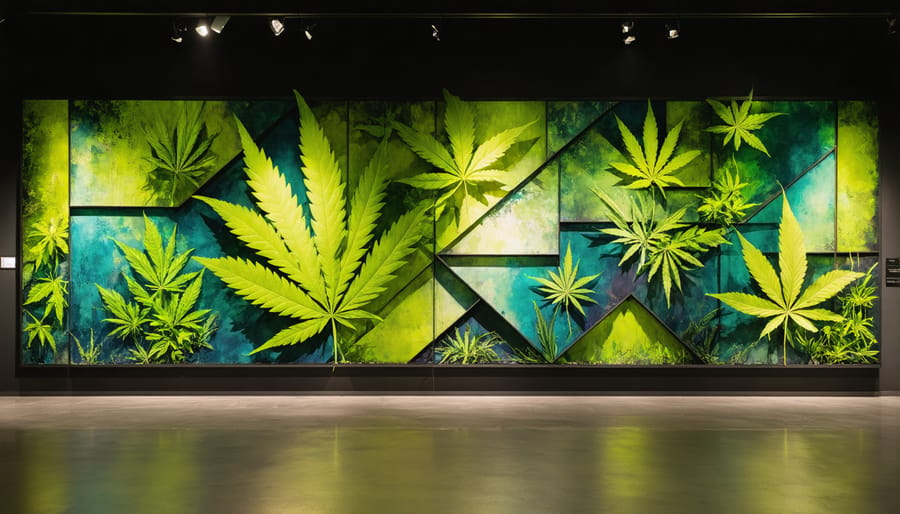
As we’ve explored throughout this guide, cannabis-inspired interior design offers a unique opportunity to create spaces that are both personal and sophisticated. The key is finding the perfect balance between subtle nods to cannabis culture and elegant design principles that elevate your living space. Remember that successful cannabis-inspired design isn’t about plastering your walls with leaf motifs – it’s about thoughtfully incorporating elements that speak to both the cultural significance and natural beauty of the plant.
Whether you’ve chosen to embrace earthy color palettes, incorporate organic textures, or display carefully curated botanical art, your design choices should reflect your individual style while maintaining a sophisticated atmosphere. The most successful cannabis-inspired spaces tell a story through carefully selected pieces, intentional color choices, and meaningful decorative elements.
Don’t be afraid to experiment with different approaches. You might start with subtle touches like hemp textiles or nature-inspired patterns before gradually incorporating more distinctive elements. The beauty of this design style lies in its flexibility – it can be as subtle or as bold as you prefer, always adapting to your comfort level and personal taste.
Keep in mind that your space should still feel welcoming and functional. Consider how each design element contributes to the overall atmosphere and whether it enhances your daily living experience. The best cannabis-inspired interiors strike a harmonious balance between style and practicality, creating environments that are both visually interesting and comfortable to live in.
As you move forward with your design journey, trust your instincts and don’t feel pressured to include every cannabis-related design element we’ve discussed. The most authentic spaces are those that genuinely reflect their inhabitants’ personalities and preferences. Your home should be a true expression of yourself, incorporating cannabis-inspired elements in ways that feel natural and meaningful to you.